

Infrastructure Scanning Guide for Complete Risk Mitigation
Defining what to scan can feel like charting a map through a complex digital city. For cybersecurity teams in North America, setting precise infrastructure targets makes the difference between catching silent threats and missing them entirely. Strategic planning, backed by clear priorities and organized asset inventories, lays the groundwork for comprehensive vulnerability assessment. This guide offers actionable steps to help you streamline your scanning strategy and safeguard every critical system.
Table of Contents
- Step 1: Set Up Your Infrastructure Targets
- Step 2: Configure and Launch Automated Scans
- Step 3: Analyze Detected Vulnerabilities
- Step 4: Apply Remediation and Verify Results
Quick Summary
| Key Point | Explanation |
|---|---|
| 1. Create a detailed inventory | Document all infrastructure assets needing scans to ensure comprehensive coverage. |
| 2. Prioritize scanning targets | Identify critical systems to allocate scanning resources efficiently, focusing on those that handle sensitive data. |
| 3. Set scan configuration carefully | Define scan scope, schedule, and policies to minimize disruption and ensure thorough assessments. |
| 4. Analyze vulnerabilities effectively | Filter out false positives and assess severity to prioritize threats based on real risk. |
| 5. Document and verify remediation | Track all fixes applied and re-scan to confirm that vulnerabilities no longer exist, ensuring ongoing protection. |
Step 1: Set Up Your Infrastructure Targets
Setting up infrastructure targets means defining what systems, applications, and services you want to scan. This is your foundation for comprehensive vulnerability assessment across your entire environment.
Start by creating a detailed inventory of your infrastructure. Document every asset that needs scanning:
- Web applications and APIs
- Cloud services and containers
- Databases and storage systems
- Network segments and endpoints
- Development repositories and deployments
- Third-party integrations
You’ll want to organize targets by priority. Identify which systems handle sensitive data, support critical business functions, or face the highest risk. This helps you allocate scanning resources efficiently and address threats in order of impact.
Strategic infrastructure planning emphasizes creating explicit, detailed plans aligned with your organization’s security goals. Your target list should reflect both immediate vulnerabilities and long-term risk management objectives across your infrastructure.
Group related targets together logically. If you manage multiple domains, cloud accounts, or application clusters, cluster them by environment: production, staging, and development. This prevents accidental scanning of the wrong systems and streamlines your reporting later.
Your infrastructure targets should represent the complete picture of what you’re protecting. Missing a critical system means missing vulnerabilities.
Consider your scanning frequency as you set targets. Some assets require continuous monitoring; others need periodic assessments. Document these requirements now so you establish consistent scanning cadences from the start.
Also note any scanning constraints or access requirements. Some systems might need specific credentials, firewall rules, or maintenance windows. Recording these details prevents scanning failures and ensures smooth operations when you run tests.

Pro tip: Start with your highest-value assets and expand gradually. Scanning everything at once can overwhelm your team and generate noise; a phased approach lets you fine-tune your process and handle findings methodically.
Here’s a quick overview of common asset groups and how to organize their scanning priorities:
| Asset Group | Typical Sensitivity | Suggested Scanning Frequency |
|---|---|---|
| Web Applications & APIs | High | Weekly or continuous |
| Cloud Services & Containers | High/Variable | Weekly or after deployments |
| Databases & Storage Systems | High | Weekly |
| Network Endpoints | Medium/High | Monthly or quarterly |
| Development Repositories | Medium | Monthly |
| Third-party Integrations | Variable | After major updates |
Step 2: Configure and Launch Automated Scans
Configuring automated scans transforms your vulnerability management from manual effort into continuous, proactive defense. This step turns your infrastructure targets into a working security program that runs on schedule.
Begin by selecting your scan policies and templates. Different asset types need different approaches. Web applications require API testing, while cloud environments demand container scanning and configuration auditing. Match your policy choices to what you’re protecting.
Define your scan scope carefully. Specify exactly which targets the scan will examine and which should be excluded. You might exclude non-production systems, development endpoints, or services under maintenance. Clear scope prevents wasted scanning and protects systems that shouldn’t be tested.
Next, configure your scan schedule. Scheduling scans during off-peak hours minimizes disruption to live services while ensuring comprehensive assessment. Most organizations run intensive scans overnight or on weekends. Smaller checks and monitoring might run hourly depending on your risk tolerance.
Set up your scan frequency based on criticality. Production systems hosting sensitive data warrant weekly or continuous scanning. Staging environments can run monthly assessments. Development systems might scan less frequently unless they handle real data.
Your notification settings matter too. Configure alerts for critical findings so your security team responds immediately:
- High-severity vulnerabilities discovered
- Scan completion status
- Failed or incomplete scans
- Policy violations or compliance failures
Test your first scan manually before automating. Run it against a non-critical system to verify configurations work correctly and generate expected reports. This prevents surprises when automation kicks in.
Automated scans work best when scheduled consistently. Your team needs to know exactly when scans run and what to expect in the results.
Review your scan settings one final time before launch. Double-check target selection, policy choices, scheduling, and notification recipients. Small configuration errors now prevent larger issues later.
Pro tip: Start with fewer targets on a conservative schedule, then expand gradually as your team gets comfortable with scan outputs and remediation workflows. This prevents alert fatigue and lets you fine-tune your scanning strategy based on real findings.
The table below compares manual and automated vulnerability scanning approaches:
| Approach | Consistency | Resource Needs | Use Case |
|---|---|---|---|
| Manual Scanning | Varies by operator | High human workload | Targeted assessments |
| Automated Scans | Highly repeatable | Low ongoing overhead | Continuous monitoring |
Step 3: Analyze Detected Vulnerabilities
Analyzing detected vulnerabilities separates signal from noise. Your scan reports contain findings, but not all require immediate action. This step teaches you to prioritize threats based on real risk to your organization.
Start by filtering out false positives. Scan tools sometimes flag issues that aren’t exploitable in your environment. Review each finding to confirm it represents an actual vulnerability. Check if the affected software version actually runs in your infrastructure and whether your configuration makes the vulnerability accessible.
Next, assess severity using a standardized framework. CVSS severity ratings help you understand exploit difficulty, required access level, and impact scope. A critical vulnerability that requires physical access to your server matters less than a moderate issue exploitable remotely without authentication.
Context matters more than raw scores. Consider these factors when prioritizing:
- Is the vulnerable system internet-facing or internal only
- What data does the system process or store
- How many users depend on this service
- Is there a known exploit actively used by attackers
- Can you patch quickly or does it require extensive testing
Group vulnerabilities by affected system or component. This helps your team coordinate fixes and understand the full picture of what needs attention. A single system with multiple vulnerabilities might need a comprehensive remediation plan.
Vulnerability management frameworks emphasize verification and prioritization to align fixes with your risk tolerance. Document your reasoning for the priority you assign. When a vulnerability waits for remediation, your team needs to understand why it’s acceptable risk.
Not every vulnerability demands immediate response. Smart prioritization focuses resources where they matter most to your security posture.
Create a remediation plan based on priorities. Assign ownership, set deadlines, and track progress. High-severity findings should have fixes deployed within days. Medium-priority issues might have weeks. Low-priority findings can roll into longer-term remediation cycles.
Pro tip: Track false positives and tuning patterns over time. As you refine your scanning policies based on legitimate findings, you reduce alert fatigue and train your team to focus on genuine threats rather than chasing every single alert.
Step 4: Apply Remediation and Verify Results
Applying remediation means actually fixing the vulnerabilities your scans discovered. Verification ensures those fixes work and don’t introduce new problems. This step closes the loop between detection and protection.
Start by implementing fixes according to your prioritization plan. Deploy patches and configuration changes to high-priority vulnerabilities first. Test changes in non-production environments before pushing to live systems. A rushed patch that breaks critical functionality defeats the purpose.
Document every remediation action. Record what vulnerability was fixed, which system was affected, when the fix was applied, and who performed the work. This creates an audit trail and helps your team understand what’s been addressed.
Follow a structured approach for each fix:
- Review the vulnerability details and recommended remediation
- Test the fix in a staging environment
- Assess impact on system functionality and dependent services
- Deploy to production during planned maintenance windows
- Document the change with timestamps and responsible parties
Verification is critical after remediation. Tracking corrective actions and monitoring outcomes ensures fixes remain effective over time. Re-scan the affected systems to confirm vulnerabilities no longer appear in your reports. A vulnerability that bounces back indicates incomplete remediation or misconfiguration.
Build remediation tracking into your management systems. Monitor progress against your remediation plan and escalate delays. Some fixes require vendor patches that take time. Others demand architectural changes. Track both types separately.
Update your system documentation and runbooks to reflect changes. When you upgrade software or modify configurations, record those changes so future team members understand your current state. This prevents regressions when new people touch those systems.
Verification proves remediation actually worked. Without re-testing, you’re just hoping vulnerabilities are gone.
Schedule follow-up scans to validate fixes before closing findings. Many teams run verification scans 24 to 48 hours after deployment. This allows system stability time while catching botched remediation quickly.
Pro tip: Establish a feedback loop between remediation and scanning. Track which vulnerability types require rework, which patches fail, and which configurations drift. Use this data to improve your remediation process and reduce repeat vulnerabilities.
Strengthen Your Infrastructure Scanning with Aman for Complete Risk Mitigation
Managing a diverse set of infrastructure targets and configuring precise automated scans can be complex and overwhelming. This guide highlights key challenges like organizing your scanning priorities, filtering real threats from noise, and verifying remediation effectively. If you want to move beyond fragmented tools and cumbersome processes Aman offers a unified platform that combines 51 vulnerability scanning and penetration testing tools in one easy-to-use interface.
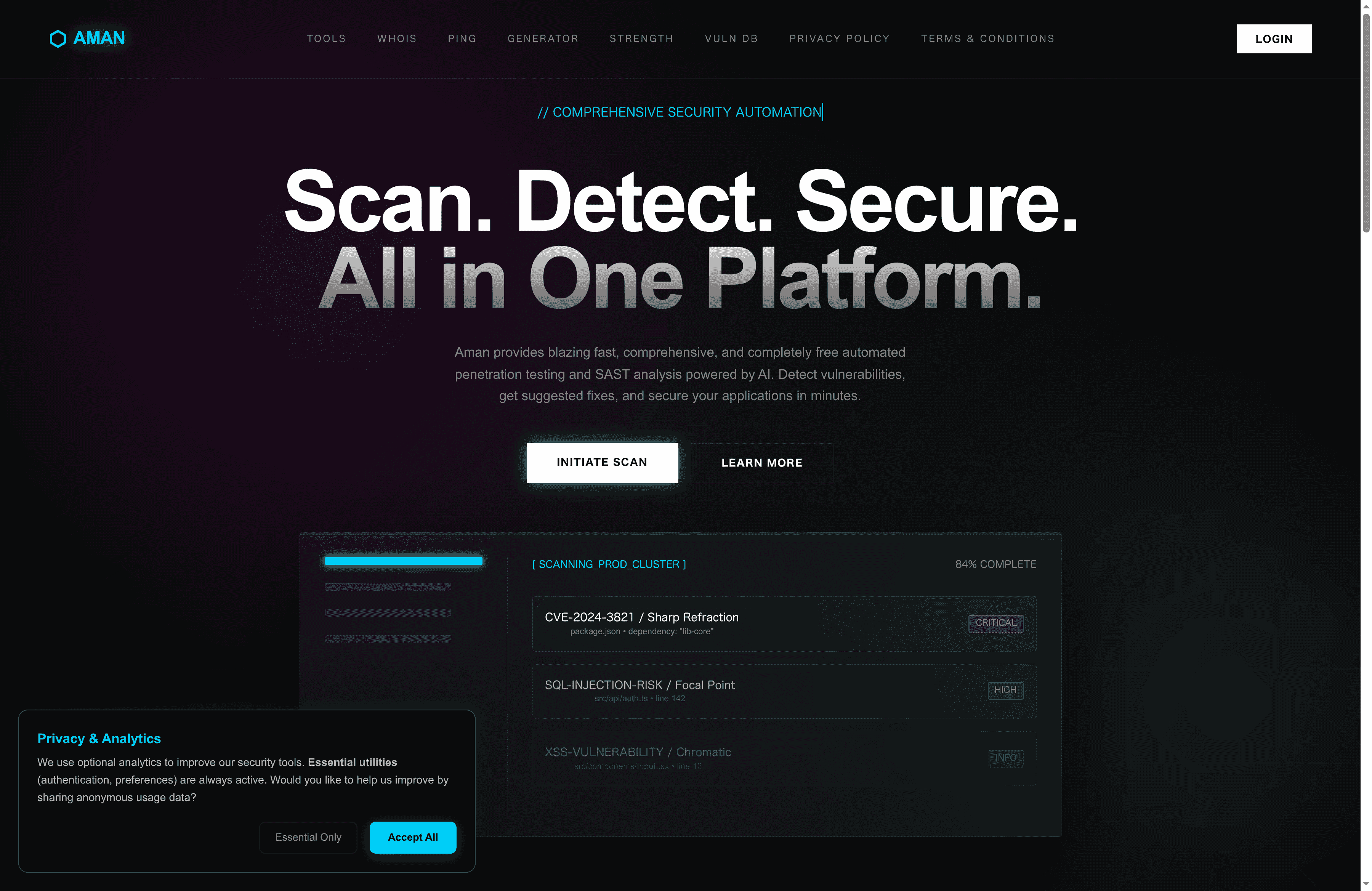
Discover how Aman simplifies the steps from target definition to remediation verification. Scan everything from web applications to cloud containers with automated, encrypted scans that respect your privacy while delivering accurate, comprehensive vulnerability reports. Act now to gain full visibility into your risk landscape and protect your critical assets before attackers exploit unknown weaknesses. Begin your journey to safer infrastructure at Aman. Learn more about powerful vulnerability detection by exploring Infrastructure Scanning Guide for Complete Risk Mitigation.
Explore how Aman helps security teams, IT operations, and developers unify their efforts to prioritize and remediate risks simply and effectively.
Frequently Asked Questions
What should I include in my infrastructure targets for scanning?
You should document every asset needing scanning, including web applications, cloud services, databases, and development repositories. Create a comprehensive inventory to ensure you cover all critical systems.
How can I prioritize my scanning targets effectively?
To prioritize your scanning targets, identify which systems handle sensitive data or support crucial business functions. Focus resources on these high-risk areas first to address vulnerabilities that could impact your organization the most.
What is the best frequency for running automated scans on my infrastructure?
The frequency of automated scans should be based on the criticality of the systems. For high-value assets, consider weekly or continuous scanning, while less critical systems can be scanned monthly.
How do I analyze the vulnerabilities detected during scanning?
Start by filtering out false positives to confirm actual vulnerabilities. Then, assess the severity using a standardized framework, and prioritize them based on factors like data sensitivity and exposure level.
What steps should I take after applying fixes for detected vulnerabilities?
After applying fixes, ensure you verify their effectiveness by re-scanning the affected systems. Document each action taken for accountability, and monitor outcomes to prevent vulnerabilities from returning.
How can I ensure my scanning process continually improves?
Track and analyze your remediation and scanning outcomes regularly. Use this data to refine scanning policies and reduce alert fatigue by focusing on genuine threats, aiming for a measurable improvement over time.
-
Recommended
Secure Your Apps with Aman
Put these mitigation steps into practice. Get professional-grade vulnerability detection in one place.
Launch Your First Scan Now