
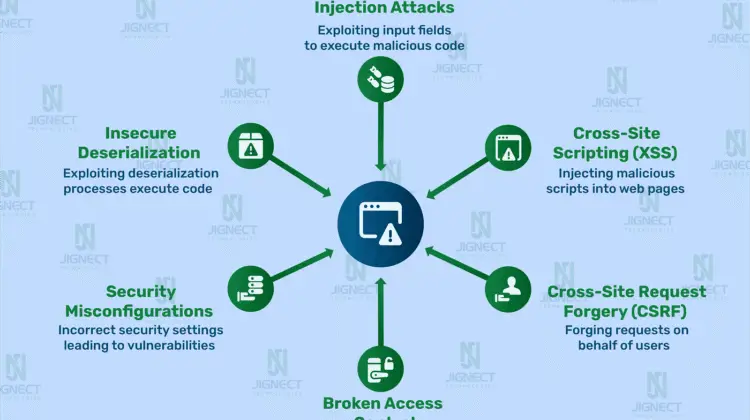
Web Application Penetration Testing Guide for Beginners
Web applications power everything from online banking to social media platforms and enterprise dashboards. But with convenience comes risk — insecure code, misconfigurations, and overlooked vulnerabilities can expose sensitive data. That’s where web application penetration testing comes in.
This beginner-friendly guide will walk you through what penetration testing is, why it matters, the tools you need, and a safe step-by-step workflow you can follow to start testing responsibly.
What Is Web Application Penetration Testing?

Web application penetration testing (often called “pentesting”) is the process of simulating cyberattacks against a website or web app to identify weaknesses before malicious attackers do. Think of it as hiring an ethical hacker to try breaking into your system — but with permission and clear goals.
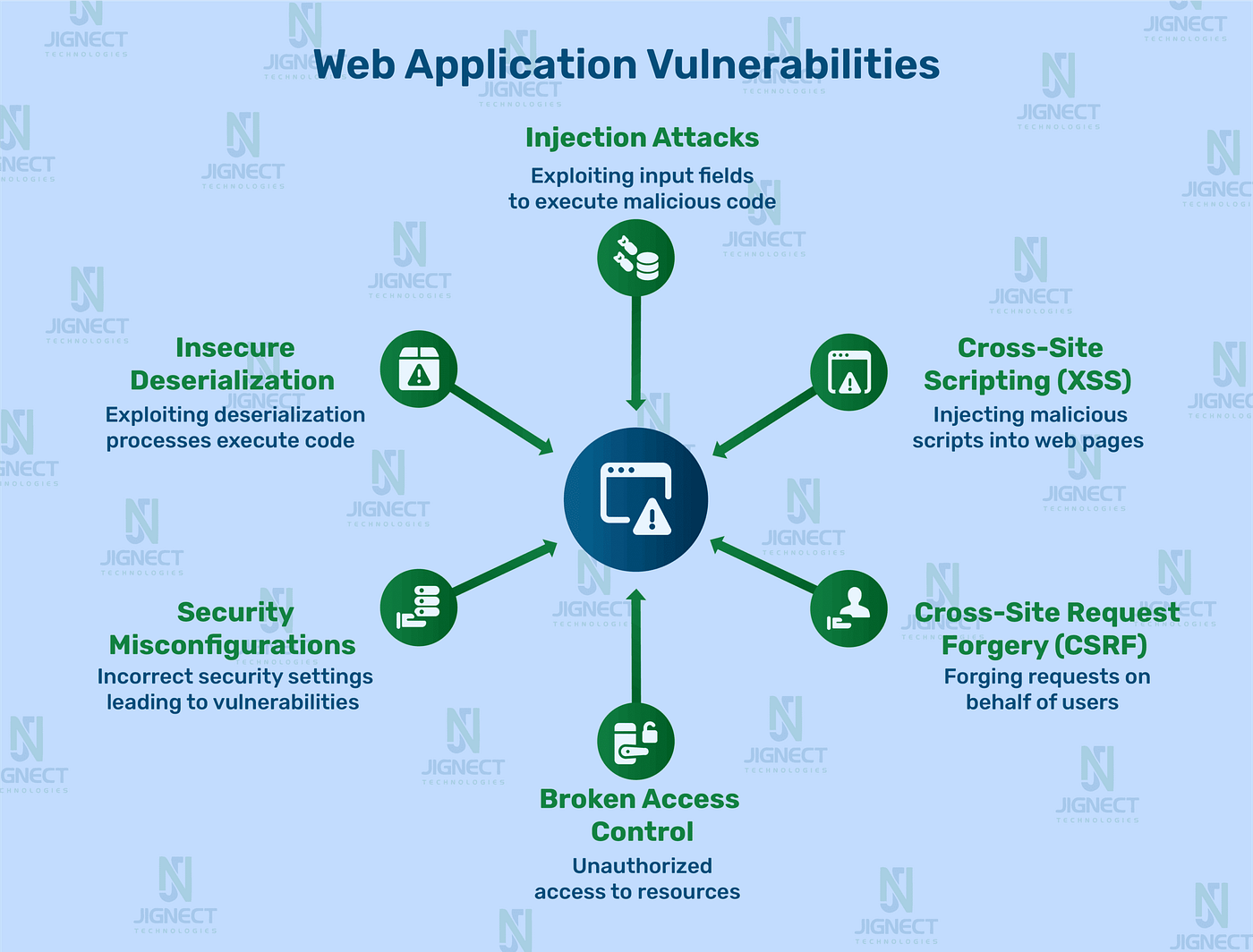
Instead of guessing where problems might exist, pentesters use structured methodologies to discover vulnerabilities such as:
- SQL injection
- Cross-Site Scripting (XSS)
- Authentication bypass
- Insecure APIs
- Misconfigured permissions
Beginners often confuse vulnerability scanning with penetration testing. Automated scanners can identify common issues, but real pentesting involves manual analysis, creative thinking, and understanding how different flaws can be chained together.
Why It Matters
A single vulnerability can expose:
- Customer data
- Login credentials
- Payment information
- Internal infrastructure
Even small projects — personal dashboards, startup SaaS tools, or internal admin portals — can become targets. Learning pentesting early helps you build safer applications from the ground up.
Setting Up Your Beginner Pentesting Lab

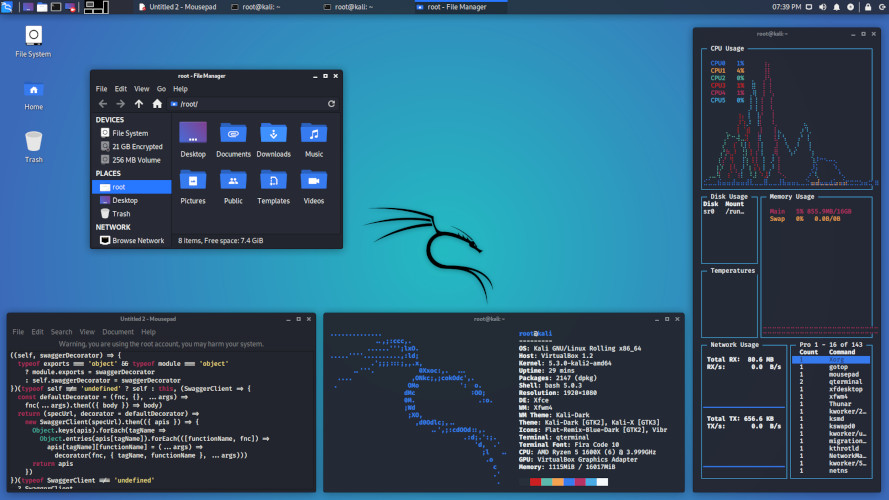
Before testing anything, you need a safe environment. Never test websites without permission — unauthorized testing can be illegal. The best way to learn is to practice on intentionally vulnerable applications in a local lab.
Recommended Lab Setup
Start with a virtual machine or isolated environment:
- A testing OS (many beginners use Linux-based security distros)
- A vulnerable practice app running locally
- A browser configured to send traffic through a proxy tool
Common beginner-friendly tools include:
- Web proxy/interceptor – to inspect requests and responses
- Browser developer tools – for inspecting scripts and network traffic
- Command-line utilities – for enumeration and automation
Core Concepts to Understand First
Before diving into attacks, focus on how web apps work:
- HTTP Requests & Responses
Every login, search, or button click sends data between client and server. - Cookies & Sessions
These control authentication and user identity. - APIs
Modern web apps rely heavily on backend APIs — often overlooked by beginners.
Spend time watching traffic flow through your proxy. Seeing real requests helps you understand how vulnerabilities happen.
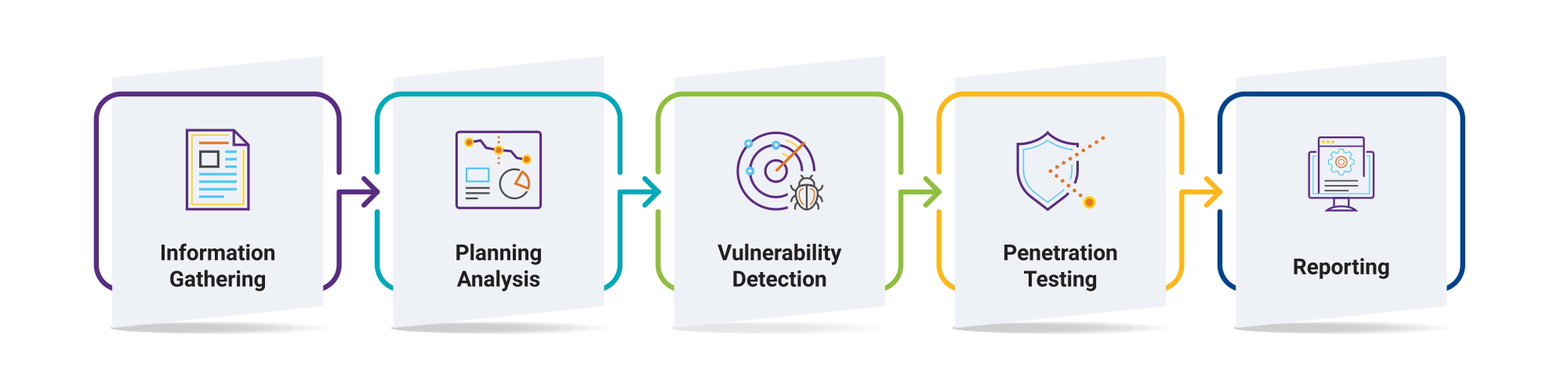
Beginner Pentesting Methodology (Step-by-Step)
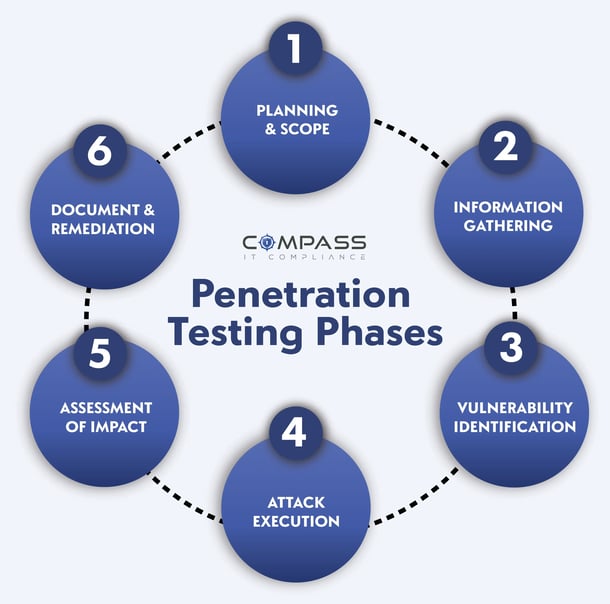
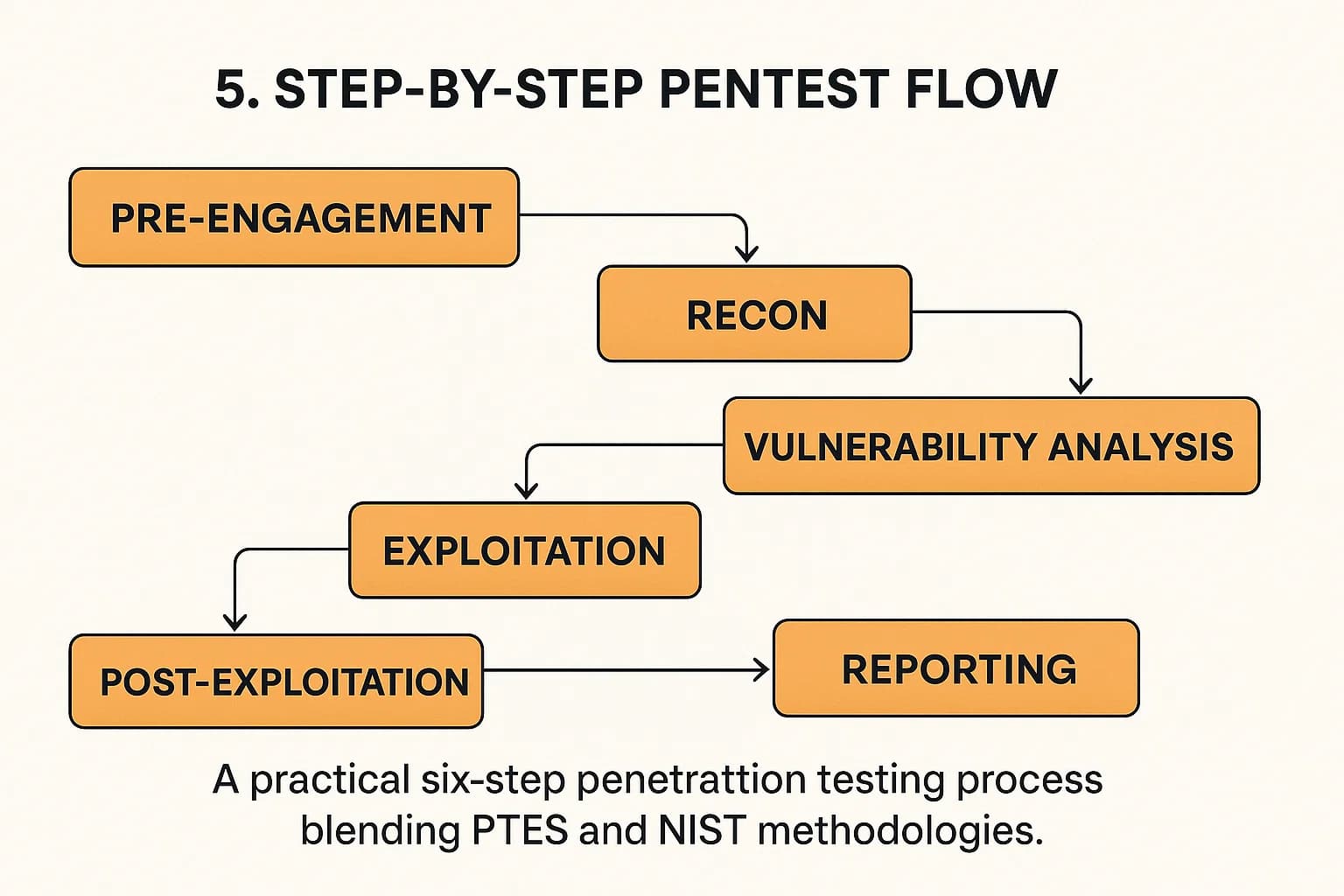
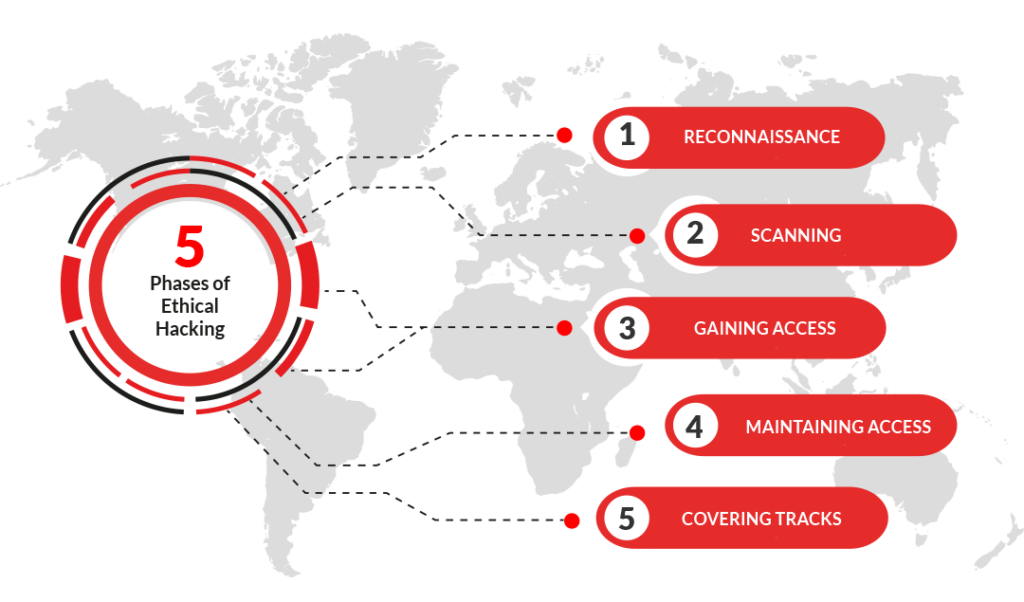
A structured approach prevents confusion and keeps your testing focused. Here’s a simplified beginner workflow used by many professionals.
1. Reconnaissance & Mapping
Your first goal is understanding how the application works.
Look for:
- Login forms
- API endpoints
- File uploads
- Search features
- Admin panels
Use your proxy tool to crawl the application and map its structure. Take notes — good pentesters document everything.
Beginner Tip:
Don’t start attacking immediately. Spend time exploring the app like a normal user.
2. Identify Input Points
Vulnerabilities usually occur where users can send data to the server.
Examples include:
- URL parameters
- Form fields
- Headers
- JSON API requests
Try modifying values manually:
- Change numbers in IDs
- Remove parameters
- Add unexpected characters
This helps reveal how the backend processes input.
3. Test for Common Vulnerabilities
You don’t need advanced exploits to get started. Focus on the most common categories:
Injection Flaws
Try inserting special characters or payloads into fields to see how the app responds.
Authentication Issues
Check for:
- Weak password rules
- Predictable session tokens
- Missing logout invalidation
Access Control Problems
Can a normal user access admin data by changing a parameter?
Client-Side Issues
Inspect JavaScript files. Sometimes developers expose hidden API endpoints or keys.
4. Exploitation (Safely)
If you find a weakness, verify it carefully without causing damage.
For example:
- Demonstrate that you can access another user’s data.
- Show that a script executes — but avoid destructive actions.
Responsible testing proves risk without harming the system.
5. Reporting & Documentation
Many beginners overlook this step, but reporting is one of the most valuable skills.
A good pentest report includes:
- Description of the vulnerability
- Steps to reproduce
- Screenshots or request samples
- Risk level
- Suggested remediation
Clear communication makes developers more likely to fix issues quickly.
Beginner Tools You Should Learn First
You don’t need dozens of tools to start. Focus on mastering a few core utilities:
- A proxy/interceptor for analyzing requests
- A browser with developer tools
- A text editor for modifying payloads
- Basic scripting knowledge (Python or JavaScript)
Avoid relying entirely on automated scanners. Understanding why something is vulnerable is more valuable than just finding it.
Legal and Ethical Considerations
One of the most important lessons for beginners is ethics.
Only test:
- Your own applications
- Lab environments
- Platforms that explicitly allow testing (such as bug bounty programs)
Always read program rules carefully. Ethical hacking builds trust — irresponsible testing damages reputations and careers.
Common Beginner Mistakes to Avoid
Many newcomers feel overwhelmed at first. Here are mistakes to watch out for:
- Jumping straight into exploit scripts without understanding HTTP
- Ignoring manual testing
- Forgetting to document findings
- Testing production systems without authorization
- Assuming tools will do all the work
Pentesting is more about thinking like an attacker than running software.
Building Your Skills Over Time
If you want to go beyond the basics, try these next steps:
- Study common vulnerability lists and security frameworks
- Practice on intentionally vulnerable apps
- Learn how APIs and modern JavaScript frameworks work
- Build your own small web apps — then try to break them
Many experienced pentesters say the fastest way to learn is to switch between developer and attacker mindset. The more you understand how applications are built, the easier it becomes to find weaknesses.
Final Thoughts
Web application penetration testing might seem intimidating at first, but every expert started as a beginner experimenting with requests, proxies, and small vulnerabilities. Focus on learning how web apps communicate, follow a structured methodology, and practice responsibly in safe environments.
With time, you’ll develop the intuition to spot security issues quickly — and more importantly, design safer applications from day one.
Whether you’re a developer wanting to secure your own projects or an aspiring ethical hacker, mastering the fundamentals of web application pentesting is one of the most valuable skills you can build in today’s security-focused world.
Accelerate Your Security Assessments with Aman
Automated security tools deliver the speed and consistency your team needs to identify vulnerabilities before attackers do. If you are ready to move beyond slow manual scans and overwhelmed reporting, Aman provides an all-in-one vulnerability scanner and penetration testing platform that matches the article’s vision of faster, safer assessments. With 51 integrated scanning and penetration tools, Aman simplifies your workflow while improving coverage across applications, services, and infrastructure.
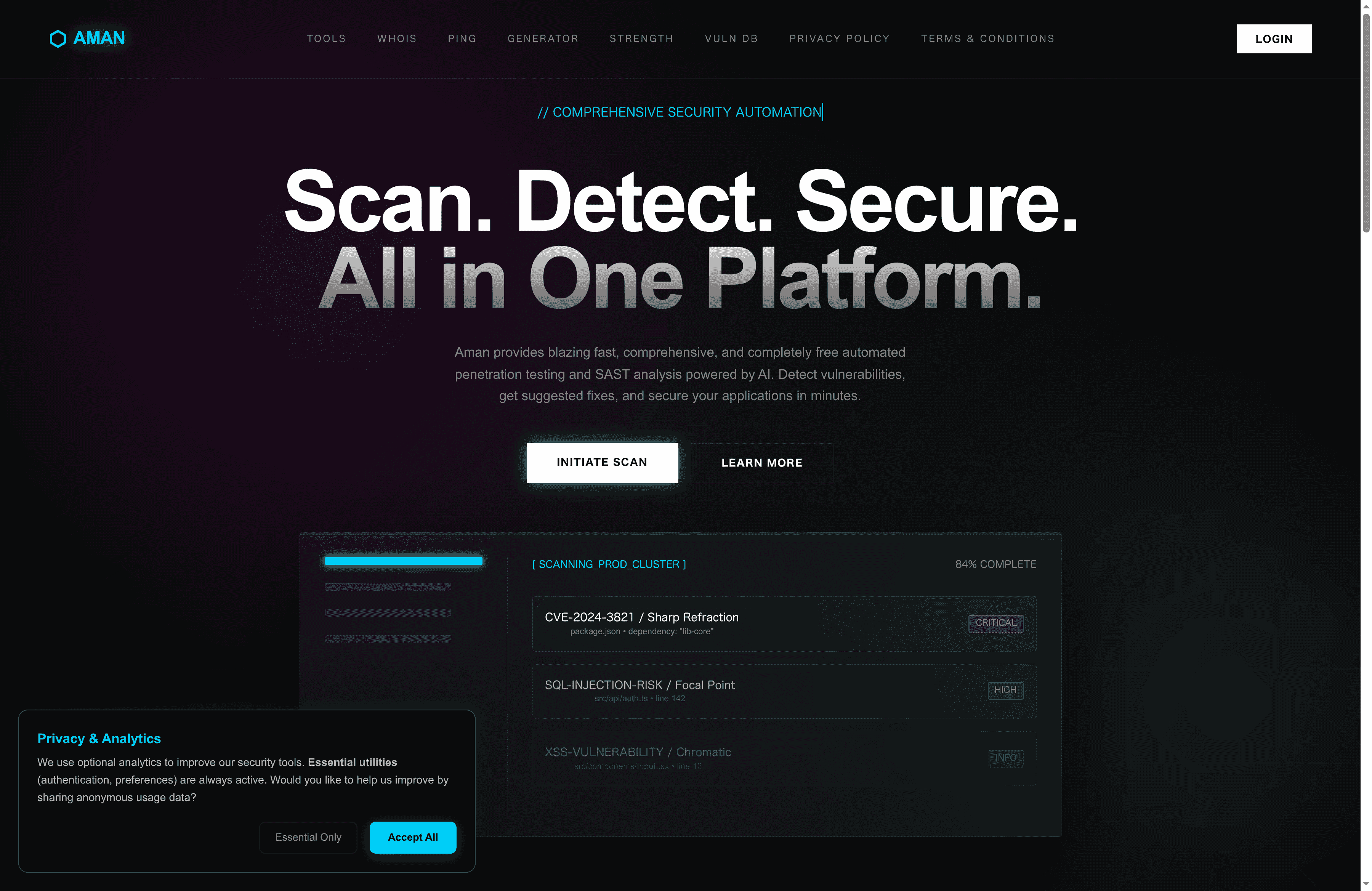
Experience comprehensive, continuous scanning with intelligent reporting designed to reduce false positives and prioritize critical risks. Whether you are a security analyst, DevOps engineer, or penetration tester, Aman empowers you to focus on analysis and remediation rather than repetitive grunt work. Start securing your environment today by visiting Aman and discover how our platform delivers the speed, coverage, and reporting capabilities your team needs for proactive vulnerability management.
Recommended
- Aman – Security Scanner
- Aman – Security Scanner Tools
- Aman – Security Scanner Vulnerabilities Database
- Aman – Security Scanner Password Strength Checker
Secure Your Apps with Aman
Put these mitigation steps into practice. Get professional-grade vulnerability detection in one place.
Launch Your First Scan Now