

Role of Automated Security Tools: Faster, Safer Assessments
Manual vulnerability checks quickly become overwhelming when your environment spans cloud, network, and on-premises systems. Security teams need tools that never tire and can reliably surface risks before attackers exploit them. Modern automated security tools use AI-enhanced logic to scan applications and infrastructure at scale, catching threats that manual methods might overlook. This overview shows how automation brings consistency, speed, and depth to your security program, letting your experts focus on decisions rather than endless routine tasks.
Table of Contents
- Defining Automated Security Tools And Functions
- Types Of Vulnerability Scanning And Testing Tools
- Key Features: Speed, Coverage, And Reporting
- Real-World Use Cases: Teams And Workflows
- Risks, Limitations, And Best Practice Integration
Key Takeaways
| Point | Details |
|---|---|
| Automation Enhances Security Efficiency | Automated tools perform security assessments rapidly, freeing analysts to focus on strategic decision-making instead of repetitive tasks. |
| Diverse Scanning Tools Mitigate Risks | Utilizing various types of scanners ensures comprehensive coverage and reduces blind spots across an organization’s infrastructure. |
| Speed, Coverage, and Reporting Are Crucial | The effectiveness of automated security tools relies on their ability to quickly identify vulnerabilities, cover all potential risks, and provide actionable reporting. |
| Human Oversight Remains Essential | While automation increases efficiency, human judgment is crucial to validate findings and address context-specific issues. |
Defining automated security tools and functions
Automated security tools are software systems that handle repetitive scanning, testing, and monitoring tasks without manual intervention. Rather than security teams manually checking each system, these tools run continuously across applications, APIs, networks, and infrastructure to identify vulnerabilities at scale.
Think of them as tireless sentries standing watch 24/7. They apply AI-enhanced logic to perform the same assessments repeatedly, achieving consistent results and catching issues humans might miss due to fatigue or time constraints. AI-powered scanning capabilities accelerate threat detection while improving accuracy against evolving attack vectors.
Core functions of automated security tools include:
- Vulnerability scanning: Continuously probing systems to discover misconfigurations, outdated libraries, and unpatched software before attackers do
- Policy compliance checking: Verifying that infrastructure meets regulatory requirements like PCI-DSS, HIPAA, or SOC 2 without manual audits
- Event correlation: Aggregating security events from multiple sources to identify attack patterns that isolated alerts would miss
- Incident response automation: Executing predetermined actions when threats emerge, reducing response time from hours to minutes
Why does this matter to you as a security professional? Manual assessments consume weeks or months. Automated tools complete the same work in hours, freeing your team to focus on investigation and remediation rather than repetitive grunt work.
Automated security control assessments and continuous monitoring capabilities mean vulnerabilities get discovered faster and patched sooner. This directly reduces your organization’s exposure window to known threats.
The distinction is critical: automation doesn’t replace expert judgment. Instead, it handles the mechanical aspects of testing so your analysts can concentrate on context, prioritization, and strategic decision-making where human intelligence adds real value.
What makes them different from manual testing? Speed and consistency. Automated tools can scan thousands of endpoints simultaneously, apply identical testing logic across all targets, and maintain perfect coverage without fatigue or oversight.
Here’s a comparison of automated versus manual security assessments for quick reference:
| Characteristic | Automated Tools | Manual Testing |
|---|---|---|
| Assessment Speed | Hours for large environments | Weeks to months |
| Consistency | High, repeatable logic | Varies by analyst |
| Coverage | Scans wide range, continuous | Limited, often snapshot |
| Human Role | Focus on analysis and strategy | Routine checks, analysis |
| Error Risk | Reduced by automation | Higher due to fatigue |
Pro tip: Start by automating your most common assessment tasks—routine vulnerability scans on development systems, compliance checks on cloud infrastructure—to establish baseline coverage while your team learns the tool’s capabilities.
Types of vulnerability scanning and testing tools
Vulnerability scanning tools come in distinct categories, each optimized for specific targets within your infrastructure. Rather than treating your environment as one monolithic whole, successful organizations deploy multiple scanner types to achieve complete coverage.
Different scanner classifications serve different parts of your IT ecosystem. Understanding which tool works where prevents blind spots and ensures nothing falls through the cracks.
Here are the main types you’ll encounter:
- Cloud-based scanners: Monitor SaaS applications and cloud infrastructure for misconfigurations, exposed credentials, and compliance violations across Amazon Web Services, Microsoft Azure, Google Cloud, and other platforms
- Host-based scanners: Run directly on individual servers, workstations, and devices to identify missing patches, weak configurations, and vulnerable software installations
- Network-based scanners: Probe your network from the outside in, discovering exposed services, firewall weaknesses, and infrastructure vulnerabilities without needing agent installation
- Database scanners: Specialize in finding SQL injection vulnerabilities, privilege escalation flaws, and data exposure risks within database management systems
Each type operates differently. Cloud scanners work through API integration, host scanners execute locally, network scanners emit traffic across your infrastructure, and database scanners run specialized queries against your data systems.
Many organizations make the mistake of choosing just one scanner type. Complete visibility requires layering multiple categories to catch vulnerabilities that individual tools miss.
The reason this matters: attackers don’t limit themselves to one attack surface. They probe cloud configurations, hunt for unpatched servers, scan network perimeters, and target databases. Your scanning strategy must match this multi-vector approach.
Your team likely specializes in particular environments. Some focus on cloud infrastructure, others on on-premises networks, still others on databases. Each person should know which scanner addresses their domain.
When you combine scanner types, you shift from isolated vulnerability detection to comprehensive threat visibility. A network scanner might discover an open port, a host scanner reveals vulnerable software on the machine listening there, and a cloud scanner finds overly permissive credentials elsewhere.

Pro tip: Deploy scanners in layers: start with network scanners for broad infrastructure visibility, add host scanners for servers you control, then integrate cloud scanners for SaaS and public cloud assets—this phased approach prevents tool sprawl while building robust coverage.
Key features: speed, coverage, and reporting
Three capabilities separate modern automated security tools from older, manual approaches: raw speed, comprehensive coverage, and intelligent reporting that drives action.
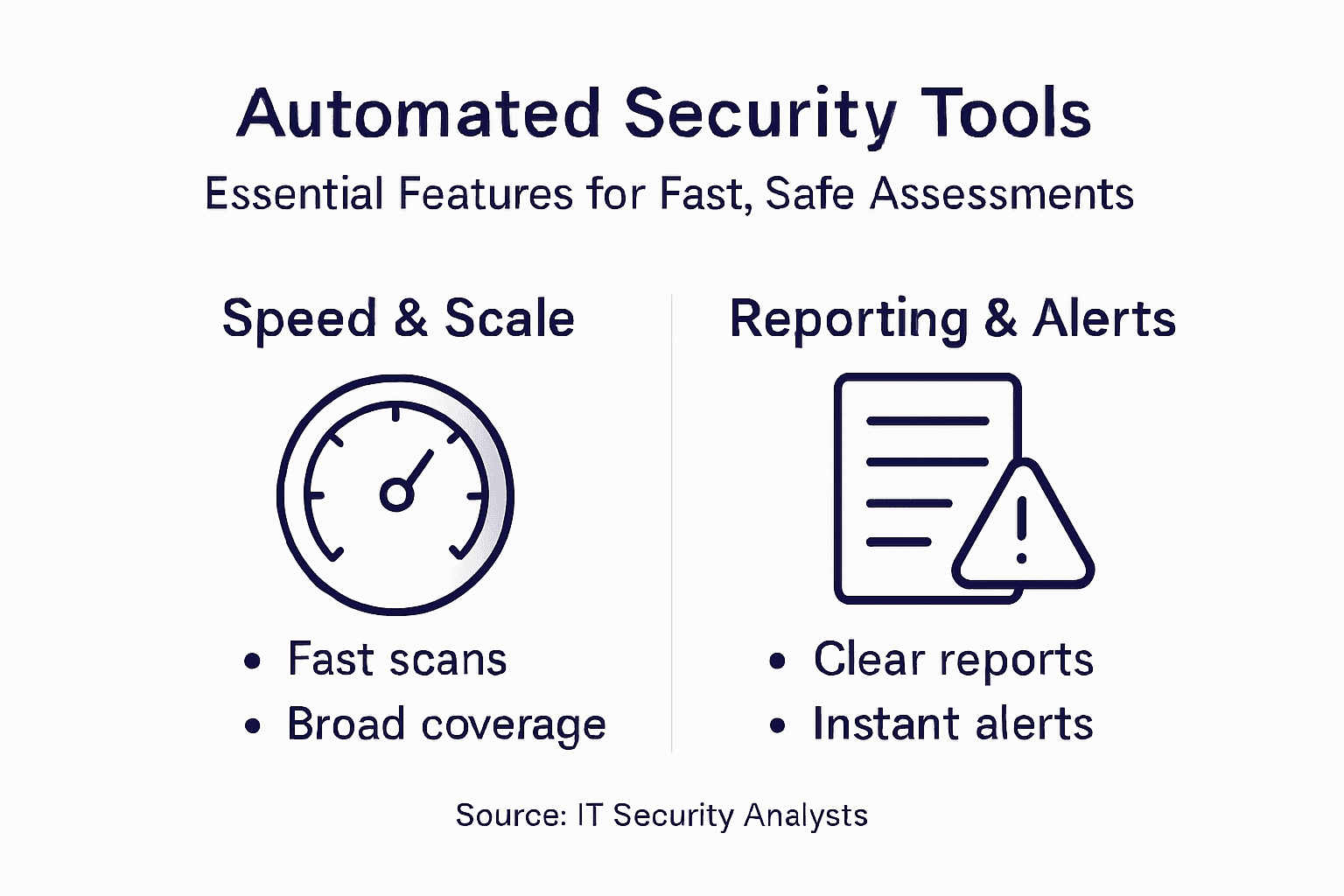
Speed is the first advantage. Manual vulnerability assessments require your team to methodically test each system, document findings, and compile reports—a process consuming weeks. Automated tools scan thousands of endpoints simultaneously, completing in hours what took humans months.
Automating repetitive security tasks accelerates breach detection and response cycles dramatically. When a vulnerability emerges, automation finds it before attackers can exploit it.
Coverage means reaching every corner of your infrastructure without gaps. A single penetration tester can miss exposed systems. Automated tools don’t suffer fatigue or oversight—they consistently scan endpoints, networks, cloud environments, and databases.
Key coverage advantages include:
- Simultaneous multi-environment scanning: Testing on-premises servers, cloud infrastructure, and SaaS applications in parallel rather than sequentially
- Continuous monitoring: Running scans on schedules or in real-time rather than waiting for annual assessments
- Integration with existing platforms: Connecting to SIEM, SOAR, XDR, and vulnerability management systems you already use
- Scalability across growth: Adding new systems doesn’t require proportional increases in headcount
Reporting transforms raw findings into actionable intelligence. A list of 10,000 vulnerabilities overwhelms analysts. Smart reporting prioritizes what matters most.
Comprehensive reports guide security teams toward faster, more informed decisions rather than drowning them in noise.
Effective reporting provides:
- Risk prioritization: Flagging critical issues first, separating noise from genuine threats
- Compliance documentation: Generating evidence for audits, regulatory filings, and stakeholder reviews
- Remediation guidance: Including specific fixes rather than leaving teams guessing how to address issues
- Executive summaries: Translating technical details into business impact for leadership
Your team’s effectiveness depends on all three working together. Speed without coverage leaves blind spots. Coverage without reporting generates alert fatigue. Reporting without speed means fixing yesterday’s vulnerabilities.
The combination matters because attackers operate fast. If you discover vulnerabilities slowly, with gaps in coverage, and can’t quickly communicate what to fix, attackers win.
Pro tip: Configure automated reports to reach different audiences: technical details for engineers fixing vulnerabilities, compliance summaries for auditors, and executive dashboards for leadership tracking risk reduction over time.
Real-world use cases: teams and workflows
Automated security tools transform how teams operate, shifting analysts from repetitive grunt work to high-value investigation and response. Understanding how different teams actually use these tools reveals their true impact.
Security Operations Centers (SOCs) benefit most visibly. Modern SOCs handle hundreds of alerts daily—far more than humans can manually investigate. AI-powered SOCs automate alert triage, detect sophisticated phishing and business email compromise attacks, and orchestrate incident response workflows automatically.
Here’s what changes when automation enters a SOC:
- Alert triage becomes hands-off: AI systems evaluate incoming alerts, filter noise, and escalate genuine threats to analysts
- Phishing responses run automatically: Suspicious emails get quarantined, sender analysis completes, and users receive notifications without analyst involvement
- Incident response accelerates: When threats confirm, automation triggers predefined playbooks—isolating systems, collecting evidence, notifying stakeholders
- Analysts focus on complex cases: Humans investigate sophisticated attacks, determine root causes, and make strategic decisions automation cannot
Vulnerability management teams see similar transformations. Instead of manually scanning systems weekly, then manually triaging findings, then manually tracking remediation, automation handles the routine work.
Security teams leverage workflow automation for phishing response, vulnerability management, and suspicious login investigations. No-code platforms let teams build workflows using drag-and-drop interfaces without writing code.
Penetration testers use automation differently. Rather than conducting manual assessments annually, they now run continuous automated scans that identify easy wins—unpatched systems, default credentials, exposed services—freeing their expertise for complex testing.
Automation eliminates boring security work, letting skilled professionals spend time on investigation and strategy rather than repetitive scanning.
Developers and DevOps teams integrate security automation into their pipelines. Code gets scanned during development, infrastructure configurations get validated before deployment, and vulnerability reports reach teams immediately rather than weeks later.
The common thread: automation removes the repetitive tasks that slow down expert work. Your best security people shouldn’t spend 80% of their time running scans and 20% on analysis. Automation reverses that ratio.
Pro tip: Map your team’s current workflows and identify tasks taking more than 30 minutes weekly—these are automation candidates that will free capacity for higher-impact work immediately.
Risks, limitations, and best practice integration
Automated security tools aren’t silver bullets. They introduce real risks that careless implementation can magnify rather than mitigate. Understanding these limitations helps you deploy tools effectively.
The primary risk: false positives and false negatives. Tools flagging non-issues waste analyst time. Tools missing real vulnerabilities create dangerous blind spots. Outdated vulnerability signatures and limited contextual awareness mean automation alone cannot replace human judgment.
Common limitations include:
- Signature-based detection: Tools miss zero-day vulnerabilities and novel attack patterns they haven’t seen before
- Context blindness: Automation cannot determine if a finding matters in your specific environment or regulatory context
- Configuration drift: Scanners depend on accurate data about what systems you actually run—stale inventories produce misleading results
- Integration gaps: Tools that don’t connect to your existing platforms create silos rather than unified visibility
Lack of security policies and training compounds these problems. Tools amplify whatever processes you already have. Poor remediation workflows turn automation into noise generation.
DevSecOps teams face additional integration challenges. DevSecOps automation struggles with scalability, customization, and pipeline impact when security tools slow down rapid deployment cycles.
Here is a summary of common automated security tool deployment challenges and how to address them:
| Challenge | Potential Impact | Mitigation Approach |
|---|---|---|
| False Positives | Analyst time wasted | Tune detection rules |
| Missed Vulnerabilities | Unmitigated risks remain | Regularly update tool signatures |
| Tool Integration | Siloed or fragmented workflows | Connect to existing platforms |
| Context Blindness | Irrelevant findings escalated | Validate critical issues manually |
| Scalability Issues | Hindered development velocity | Pilot in one environment before scaling |
Automation fails when teams treat it as a replacement for strategy rather than a complement to skilled analysts.
Best practices for successful integration:
- Establish clear policies first: Define what automation should do, escalation criteria, and remediation responsibilities before deploying tools
- Tune for your environment: Configure scanners to reduce false positives specific to your infrastructure rather than accepting default settings
- Integrate with existing workflows: Connect automated tools to ticketing systems, dashboards, and incident response platforms your team already uses
- Validate findings with analysts: Have humans verify critical findings before acting on them, especially in sensitive environments
- Update continuously: Refresh vulnerability databases, update tool configurations, and review automation rules as threats evolve
Shift-left testing in development pipelines works best when security and development teams collaborate rather than viewing automation as an adversarial gate.
Pro tip: Start with a pilot automation project on one system type—like cloud infrastructure or web applications—validate results against manual testing, then expand once your team trusts the tool and understands its quirks.
Accelerate Your Security Assessments with Aman
Automated security tools deliver the speed and consistency your team needs to identify vulnerabilities before attackers do. If you are ready to move beyond slow manual scans and overwhelmed reporting, Aman provides an all-in-one vulnerability scanner and penetration testing platform that matches the article’s vision of faster, safer assessments. With 51 integrated scanning and penetration tools, Aman simplifies your workflow while improving coverage across applications, services, and infrastructure.
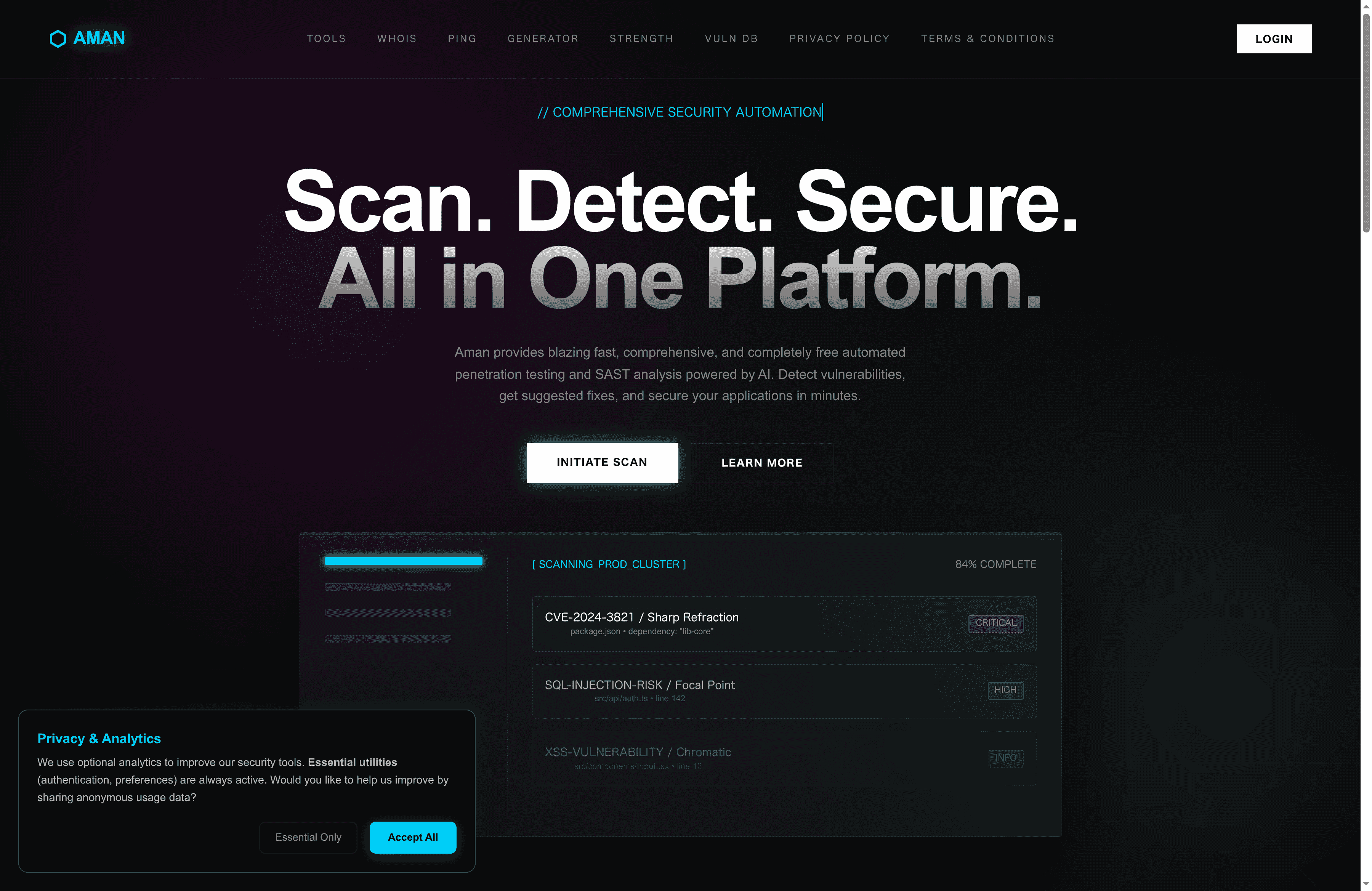
Experience comprehensive, continuous scanning with intelligent reporting designed to reduce false positives and prioritize critical risks. Whether you are a security analyst, DevOps engineer, or penetration tester, Aman empowers you to focus on analysis and remediation rather than repetitive grunt work. Start securing your environment today by visiting Aman and discover how our platform delivers the speed, coverage, and reporting capabilities your team needs for proactive vulnerability management.
Frequently Asked Questions
What are automated security tools?
Automated security tools are software systems that handle repetitive tasks such as scanning, monitoring, and testing without manual intervention. They continuously identify vulnerabilities across applications, networks, and infrastructure, effectively serving as tireless sentries.
How do automated security tools improve threat detection?
Automated security tools leverage AI-enhanced logic to perform consistent assessments, enabling rapid identification of vulnerabilities. This improves accuracy and speeds up detection cycles, making it easier to keep up with evolving attack vectors.
What are the main functions of automated security tools?
Key functions include vulnerability scanning, policy compliance checking, event correlation, and incident response automation. These functions help organizations discover and address vulnerabilities more quickly and efficiently.
Why should organizations use both automated and manual security assessments?
Automated tools offer speed and consistency, while manual assessments bring expert judgment and contextual awareness. The best approach is to combine both to ensure comprehensive coverage and effective vulnerability management.
Accelerate Your Security Assessments with Aman
Automated security tools deliver the speed and consistency your team needs to identify vulnerabilities before attackers do. If you are ready to move beyond slow manual scans and overwhelmed reporting, Aman provides an all-in-one vulnerability scanner and penetration testing platform that matches the article’s vision of faster, safer assessments. With 51 integrated scanning and penetration tools, Aman simplifies your workflow while improving coverage across applications, services, and infrastructure.
Experience comprehensive, continuous scanning with intelligent reporting designed to reduce false positives and prioritize critical risks. Whether you are a security analyst, DevOps engineer, or penetration tester, Aman empowers you to focus on analysis and remediation rather than repetitive grunt work. Start securing your environment today by visiting Aman and discover how our platform delivers the speed, coverage, and reporting capabilities your team needs for proactive vulnerability management.
Recommended
- Aman – Security Scanner
- Aman – Security Scanner Tools
- Aman – Security Scanner Vulnerabilities Database
- Aman – Security Scanner Password Strength Checker
Secure Your Apps with Aman
Put these mitigation steps into practice. Get professional-grade vulnerability detection in one place.
Launch Your First Scan Now